Frequently asked questions

You couldn't find the answer you're seeking ?

OR

General questions
Q
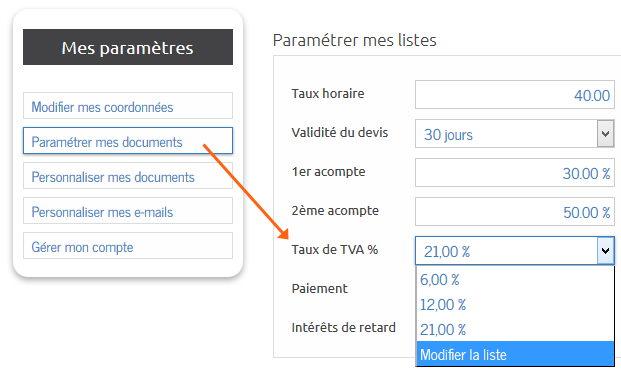
Can I use AMI if I'm not subject to VAT or mixed subject to VAT ?


Q
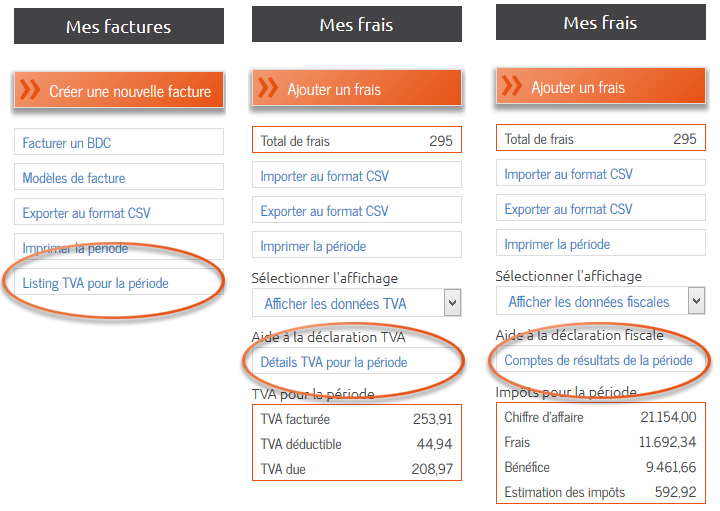
Can I export my data?
Q
Can I manage multiple companies on AMI Project?
Q
Is AMI suitable for companies working in the construction industry?

Q
May AMI be used by non-professionals ?
Q
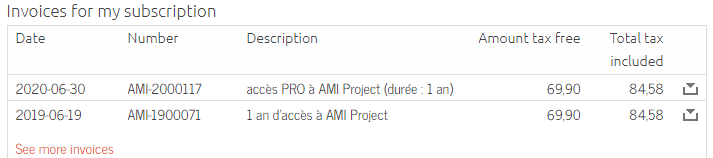
Where can I find my invoice for the purchase of an AMI Project access?
Q
Is AMI Project compatible with Mac OSX?
Q
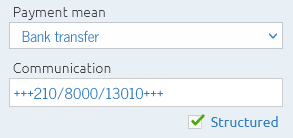
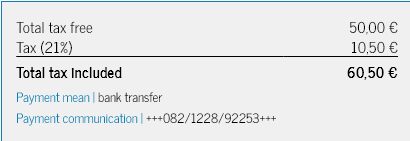
Bank payment communication

Q
I am a TVA franchisee, how do I set up my account?
Q
Change the duration of the active session
Q
Can I use 2 accounts simultaneously?
Q
Can I use a VPN to connect to AMI Project?
Q
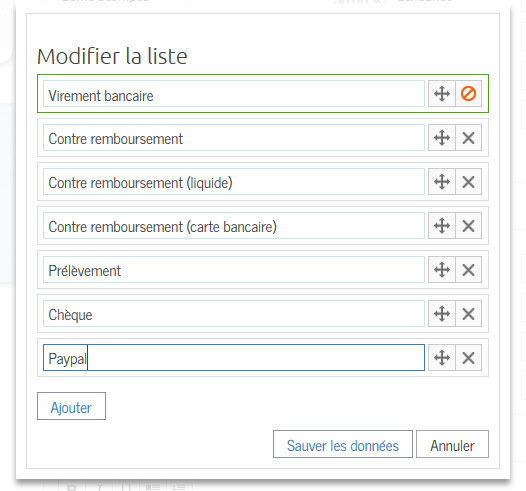
Is it possible to add a payment mean ?